AWS Marketplace - Setup Guide (Amazon S3 in EUSC)
Only bucketAV powered by ClamAV® is available in the AWS European Sovereign Cloud (EUSC) so far. The Sophos® engine is not yet available due to limitations of the AWS Marketplace EUSC.
Please let us know, in case you are interested in bucketAV powered by Sophos in the AWS Eurpean Sovereign Cloud: hello@bucketav.com.
Request Free Trial (Optional)
Free trials do not start automatically for subscriptions in the AWS Marketplace EUSC. Please, request 14-day free trial instead.
Activate Subscription
bucketAV for Amazon S3 powered by ClamAV in European Soverign Cloud requires an AWS Marketplace subscription.
Subscribe to bucketAV for Amazon S3 powered by ClamAV®
- Go to AWS Marketplace.
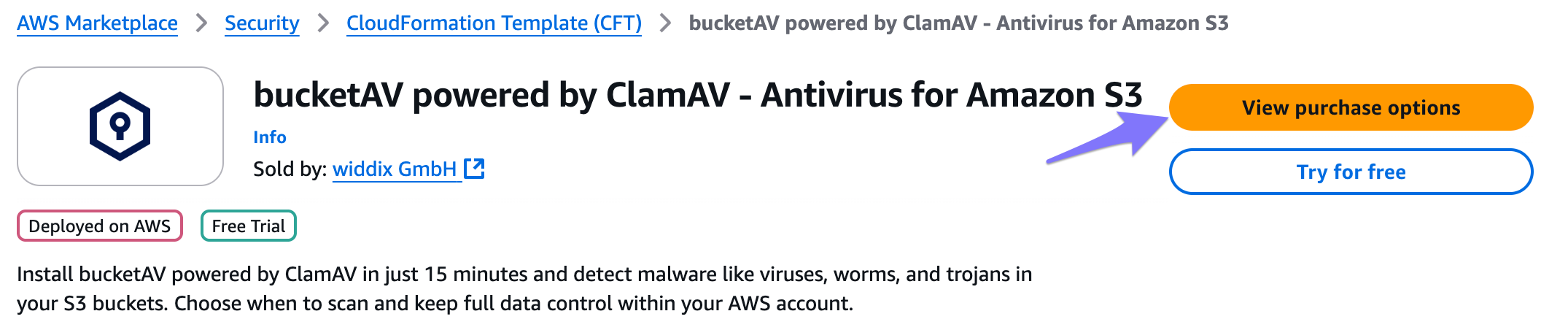
- Click on View purchase options.
- Click on Subscribe.
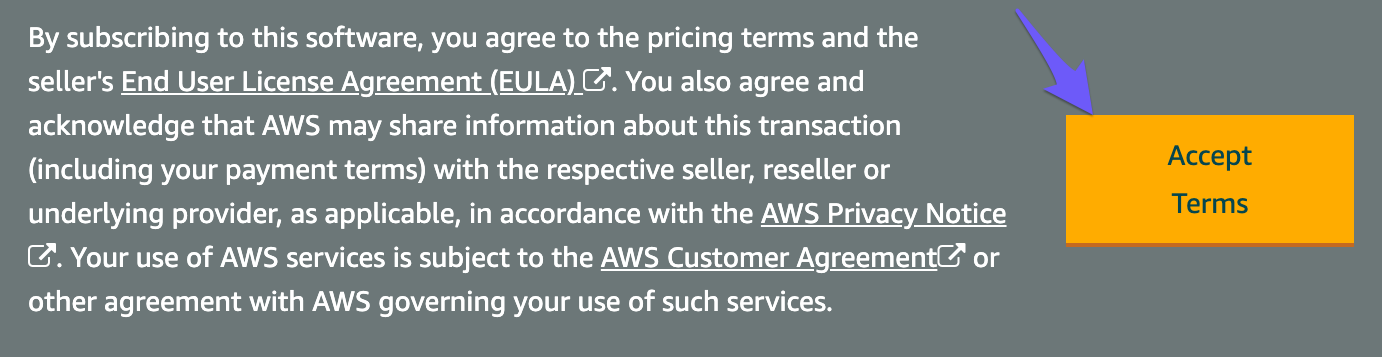
- Wait while AWS Marketplace is processing your request.

Deploy bucketAV for Amazon S3 powered by ClamAV for Europen Sovereign Cloud
We provide three Fulfillment options:
| Fulfillment option | Description | Architecture | Install |
|---|---|---|---|
| Dedicated public VPC (recommended) | The recommended and cost-efficient option where the network setup is included. | Open diagram | |
| Dedicated private VPC | The EC2 instances run in private subnets (additional traffic charges apply). We recommend this option only if your internal security guidelines require it. | Open diagram | |
| Existing VPC | Deploy bucketAV into an existing VPC. Deploying bucketAV into an existing VPC increases the setup effort and the complexity. Read the Existing VPC Network Guide to prepare your VPC configuration. | Open diagram |
After you selected the fulfillment option that fits your need by clicking one of the Install bucketAV buttons, you are getting redirected to CloudFormation.
Not yet available, see above.